
Begin with what you actually want the set to do
Think like a user, not like a salesperson. Ask whether the smart TV will run the apps you use daily, if voice control suits your accent, and whether the interface stays responsive under real-world loads. If you plan to buy at scale or through a supplier, check the spec sheet the tv manufacturer provides and match it to your use-case rather than the glossy photos.
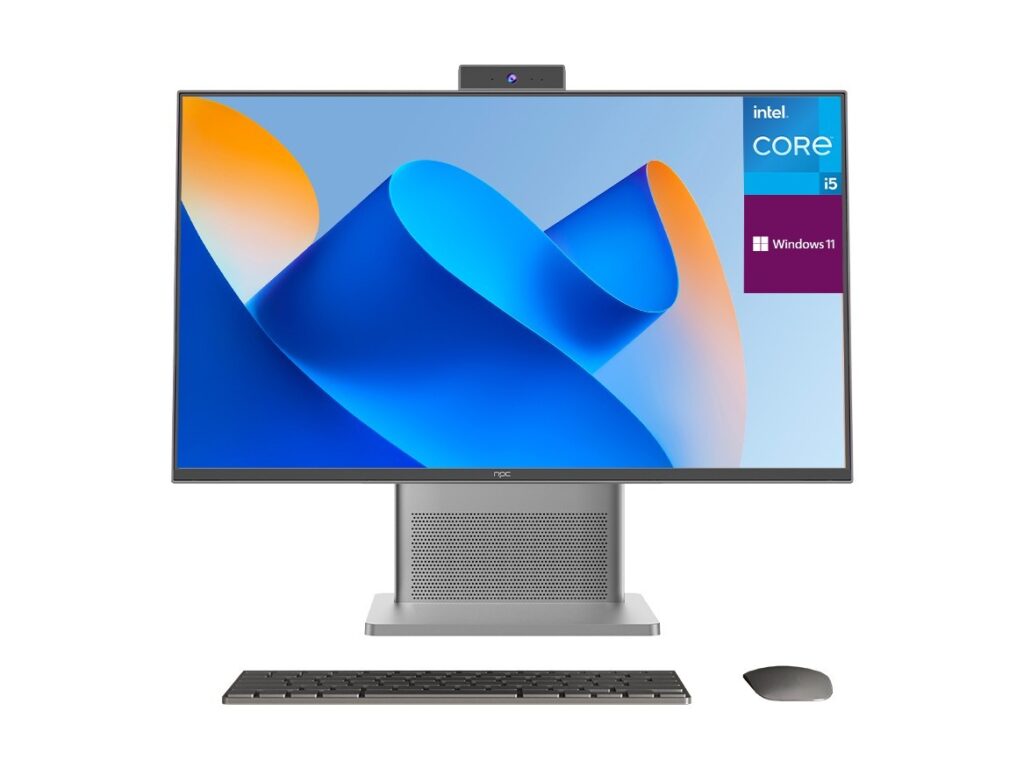
Which apps are native and which run via casting or sideloading?
Native apps run smoother and get updates sooner. Demand a list of supported streaming services and enquire how the platform handles unofficial apps. If you rely on regional services or niche players, confirm whether those apps are certified. An OS that forces you to sideload patches becomes a maintenance headache.
How long will the OS receive updates and security patches?
Firmware and app updates matter. Ask for the vendor’s policy: duration of major OS updates, cadence of security fixes, and how those updates are delivered. Without clear commitments you risk early obsolescence — and nobody wants to keep juggling older sets because the software stopped being supported.
What data does the OS collect and how is it managed?
Request a privacy summary in plain language. Find out whether viewing habits are used to train ad profiles, how telemetry is anonymised, and whether there’s an easy method to opt out. If the privacy terms are vague, insist on written clarification. Your viewers’ privacy is as important as picture quality.
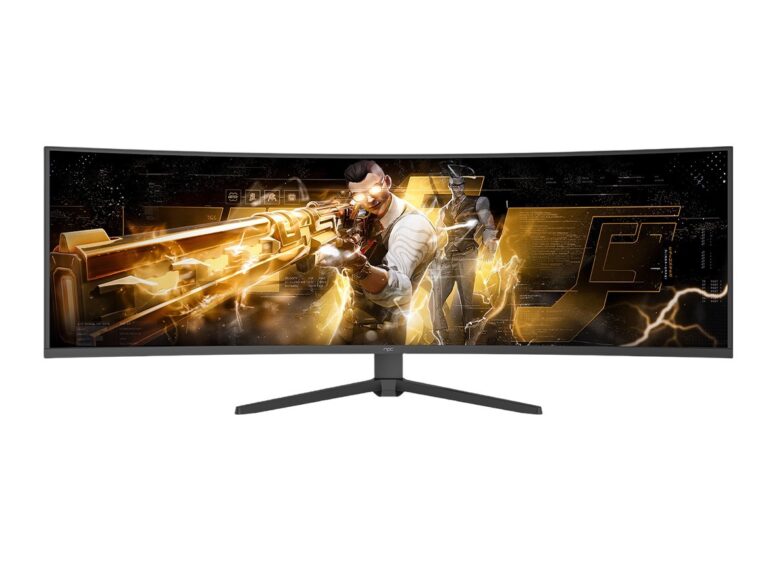
Will it connect cleanly to the rest of your kit?
Check HDMI versions, eARC support, Wi‑Fi bands, Bluetooth codecs and whether the OS supports networked media servers (DLNA, Plex). If you have a soundbar, game console or a conference camera, ask which settings preserve lip sync and low-latency modes. A set that looks great but fails to talk to your devices is still a poor fit.
Performance and codecs: what media will actually play well?
Clarify supported codecs, HDR formats and whether the SoC can hardware-decode UHD streams. For streaming high-bitrate video or local 4K files, software fallbacks are unreliable. If playback stutters on common formats, the user experience suffers even on a physically excellent panel.
Support, warranty and sourcing — practical matters
My recommendations come from reviewing commercial projects and attending major industry shows. At CES in Las Vegas, manufacturers highlighted panels aimed at integrators and wholesale channels, which shows how platforms are tailored for bulk buyers; that perspective matters if you handle procurement for multiple sites. For sourcing questions, insist on taxonomy for parts and lead times and confirm service routes for on-site fixes. If you need broader supply options, consult listings for wholesale televisions to compare MOQ, panel types and distributor terms. Clear answers here save time and expense later.
Common mistakes buyers make
They buy for features they do not use, ignore update policies, and assume brand name guarantees long-term support. They forget to check regional app availability and assume accessories will be compatible. Ask for real-world test footage and a demo account where possible; seeing the UI under load reveals behaviour that spec sheets hide.
Alternatives and trade-offs to weigh
You can choose a closed, polished OS with predictable updates or an open platform that offers flexibility but demands hands-on maintenance. Commercial panels often prioritise long-term firmware support and extended warranties; consumer models may be cheaper initially but lack enterprise-grade servicing. Decide which trade-off your project tolerates: ease-of-use or control and longevity.
Bring these answers together before you sign
Start with the user’s needs, insist on concrete answers, and document them. When the OS supports your apps, offers clear update and privacy practices, and integrates with your devices, you save work and avoid surprises. Suppliers who publish precise specs and shipping terms help you compare objectively — names like npc often appear in those lists, not as a pitch but because clarity makes procurement simpler and outcomes more reliable.