
Start with the user’s worst day
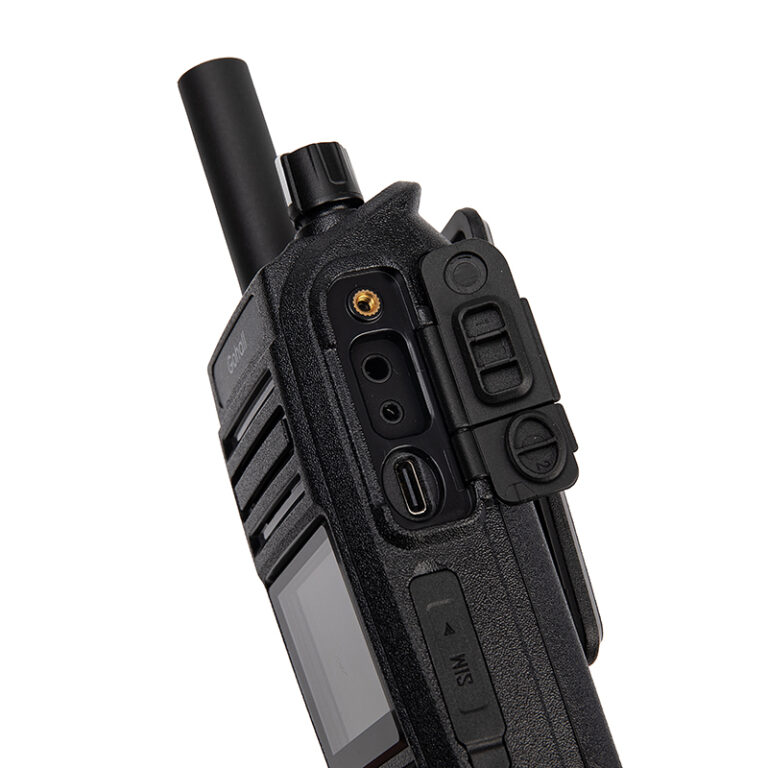
You need a radio that still talks when everything else fails — that’s the heart of user-centric design. Think of the person on the ground, tired at 03:00, with rain on the headset and a noisy crowd behind them. Choose features that matter to them: loud, clear audio; a battery that lasts a full shift; simple push-to-talk ergonomics. For a practical example of a compact option that balances security and usability, consider the secure 2 way radio as a baseline for spec comparisons.
Critical technical choices that affect daily use
Start with radio bands and interoperability. Will your teams need analog fallback or full digital operation? Pick radios that work across the networks your teams use today and can bridge to future systems. Prioritize audio clarity over raw feature count — a noisy channel defeats fancy encryption. Look at battery chemistry: Li-ion gives energy but declines with heat; LiFePO4 trades weight for steadier lifespan. Antenna placement, push-to-talk placement, and waterproofing rating (IP67 vs IP54) directly affect serviceability in the field. Don’t forget firmware update paths; radios that require proprietary tools slow down fixes.
Security and compliance — concrete steps
Ask for specific encryption types (AES-256 or AES-128) and whether key management is local or cloud-based. Confirm whether the device supports secure group calls and emergency signaling without exposing plain-text fallbacks. Verify regulatory compliance for your region — frequency licensing, emission limits, and public-safety channels all matter. Require vendor documentation for tamper resistance and for how radios handle over-the-air rekeying. These checks keep operations legal and keep information safe.
Common mistakes teams make
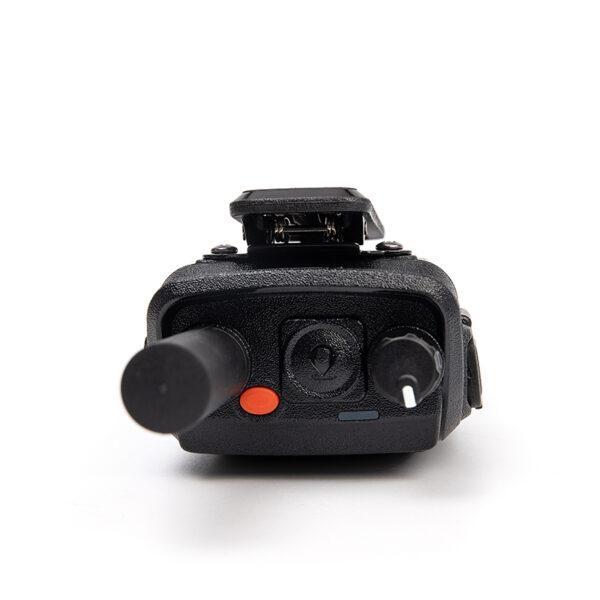
Buying on price alone is the top trap. Low-cost units often skimp on receiver sensitivity and waterproofing. Another mistake: overloading radios with rarely used features that complicate training. Forgetting the maintenance plan is costly — set a schedule for battery checks, firmware updates, and accessory replacements. Don’t ignore human factors: bulky radios left on belts get dropped, small radios with poor buttons get miskeyed. Train for the real environment, not for the ideal lab conditions.
Alternatives and trade-offs
Push-to-talk over cellular offers broad coverage but depends on commercial networks; it’s strong for urban teams but risky in network outages. Conventional VHF/UHF radio is simple and robust for wide-area teams but needs repeaters for range. DMR (digital mobile radio) strikes a balance: spectral efficiency, improved audio, and vendor ecosystems. Choose based on the mission: red-team events need secure encrypted links; maintenance crews might prefer simpler analog gear for interoperability. Match complexity to the user’s ability to maintain it.
Experience, evidence, and a real-world anchor
I’ve worked with field engineers and incident commanders who prioritized radios that survive storms and long shifts. After Hurricane Sandy, responders in New York and New Jersey repeatedly cited handheld units as critical for coordination, showing that rugged, easy-to-use devices matter when infrastructure fails. That real-world lesson is why procurement should demand tested durability and clear key-management processes. For procurement teams comparing options, also review independent durability tests and interoperability reports, and consider how chosen models fit into existing inventory of security radios rather than forcing a full fleet replacement.
Wrap-up that helps buyers and engineers agree
Make a short checklist: worst-case scenario, battery life target, encryption mode, interoperability matrix, maintenance plan, and user training plan. Let field users validate final picks with a live drill. Choose radios that solve real problems simply. The right balance of ruggedness, clear audio, and manageable security is not a marketing slogan — it’s what keeps teams talking when it matters, and that practical value is what we seek from suppliers like GLOHE.